How do I log in to Docue?
Instructions on how to log in to the service
1. Choose "Sign in" in the top right corner of the page.

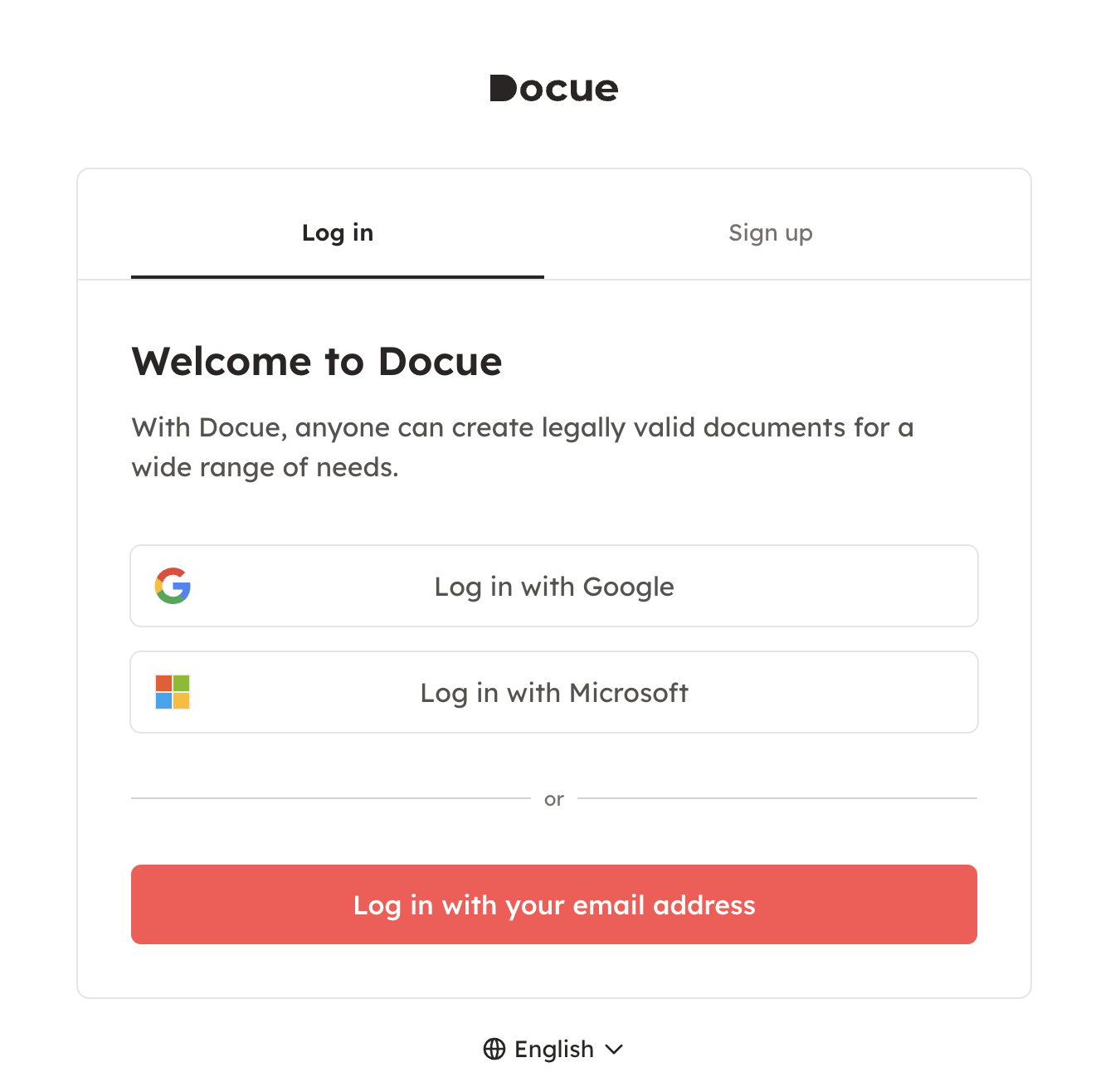
2. Choose either "log in with Google", "log in with Microsoft", or "log in with your e-mail address".
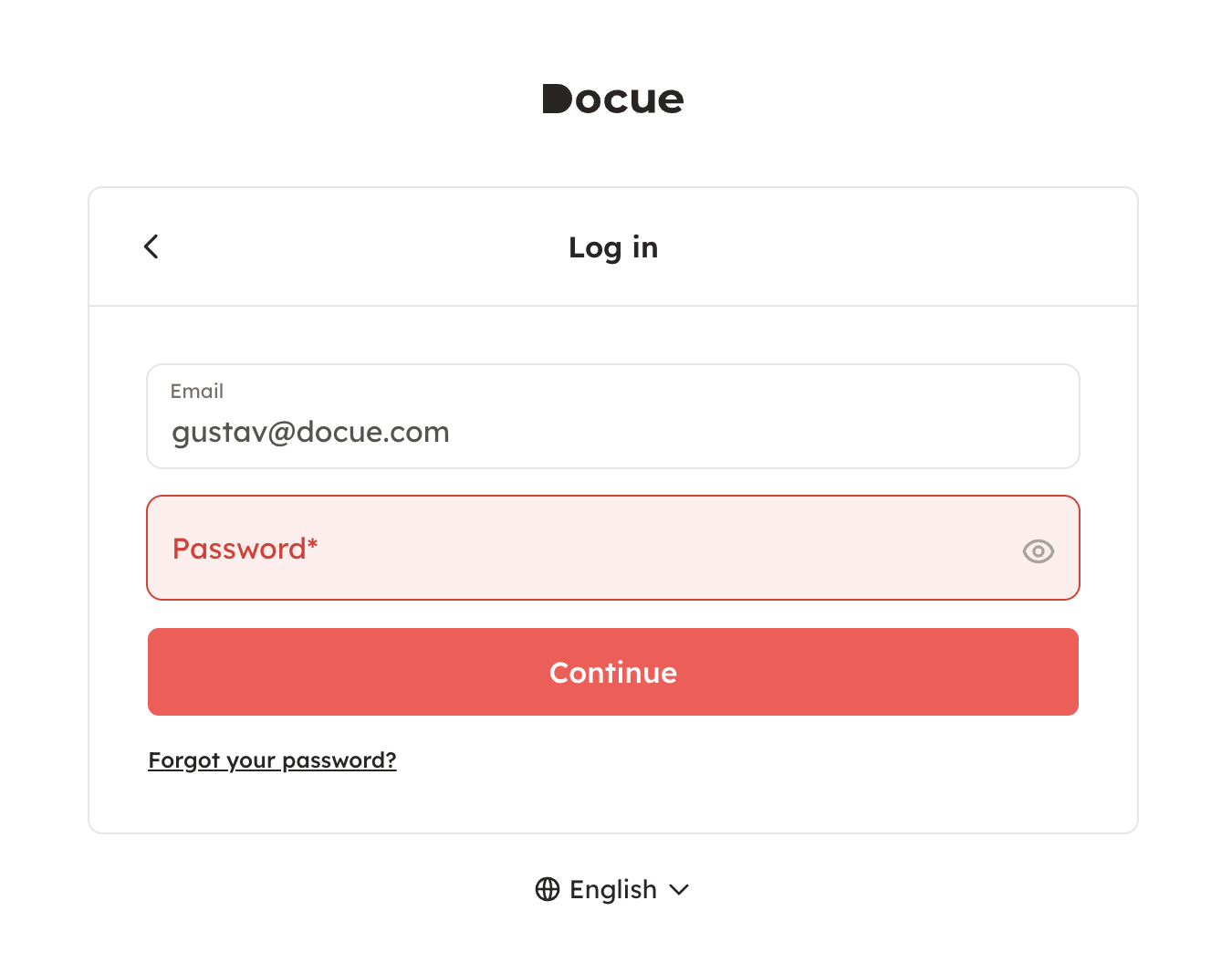
3. Type in your password and choose "Continue".
4. If you haven't set a password for yourself, you'll receive a log in link to your email. Press "Log in" in the message.
...or type in the code shown in the message in the code field on the log in page. Then press "Continue".
5. If your account uses two-step verification, you'll need to apply the verification code you received via text message and press "Continue". Choose which account you would like to use.
More information about workspaces
6. You've now logged in. If you logged in without a password, then in settings you should add a password to ease future log ins.
Instructions for editing profile information
Forgot your password?
Please follow these instructions if you forgot your password:
Keywords: Password, two-step login, log in, register, in use, code, verification code, user name, reset, resetting, email
Last reviewed: