Deleting a document (legacy)
How to delete a document
You have few different ways of deleting a document.
1. From recent documents
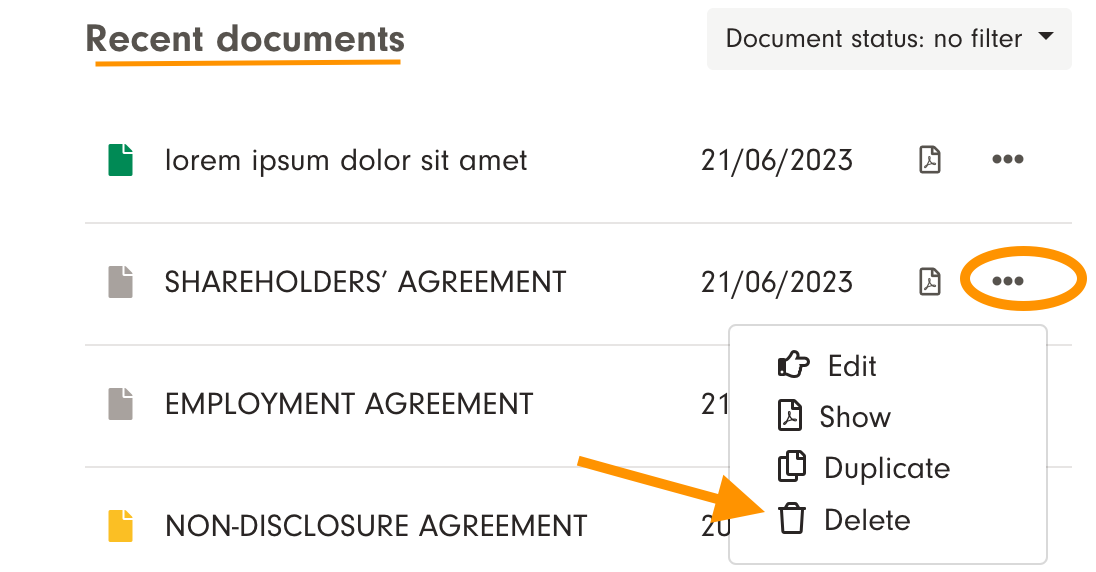
Go to "All documents", and view "Recent documents". You are able to delete a document by clicking the three dots next to the document and then choosing "Delete".
Note! It is not possible to restore deleted files to the archive.
2. From the archive card
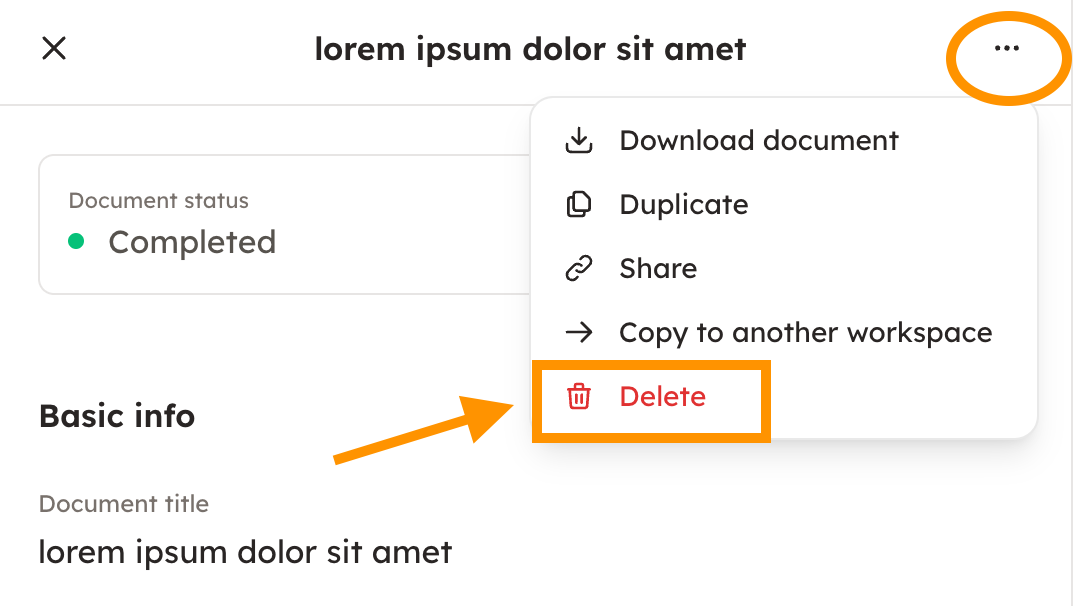
The delete function can also be found when you open the document from archive card.
Note! It is not possible to restore deleted files to the archive.

Keywords: Delete, erase, remove, to remove
Last reviewed: