Print documents for traditional signing
Instructions on how to print and sign documents with a pen
Fill in the document you're about to print out and choose "No electronic signature". Confirm your choice by clicking "Continue".
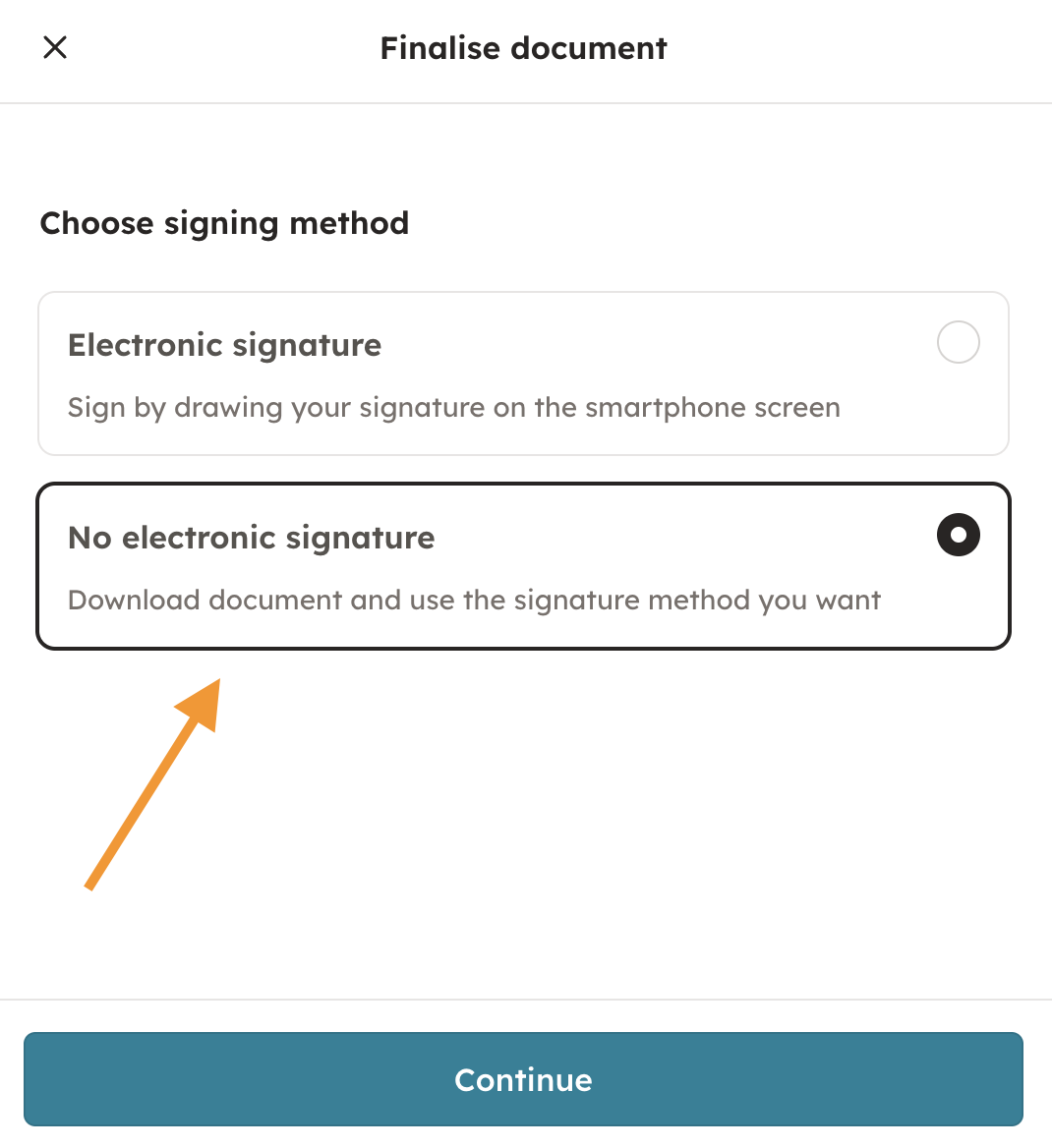
After this, you can download the document to your computer.

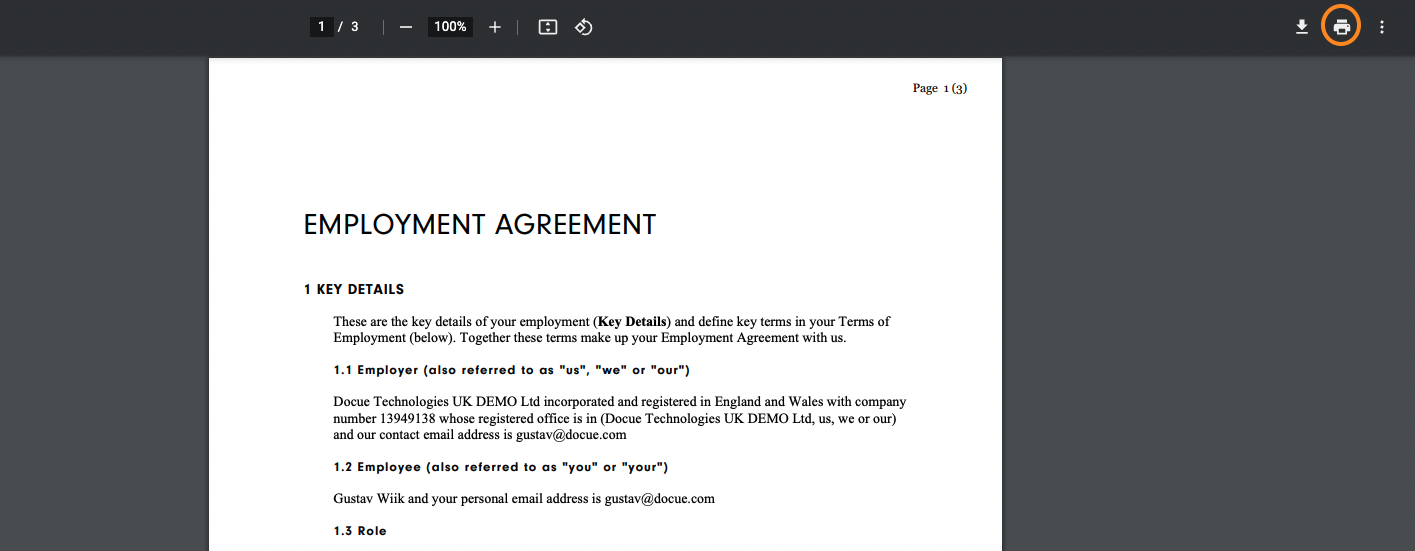
When reviewing the document, click on the printer icon in the top right corner. If the icon isn't visible, try scrolling the computer mouse upwards and it should become visible.
Keywords: Print, Skip e-sign, Traditional signing, Pen, Sign
Last reviewed: