How do I get my company logo and document footer on my documents?
How to save your company logo and document footer in the service.
- Go to settings.
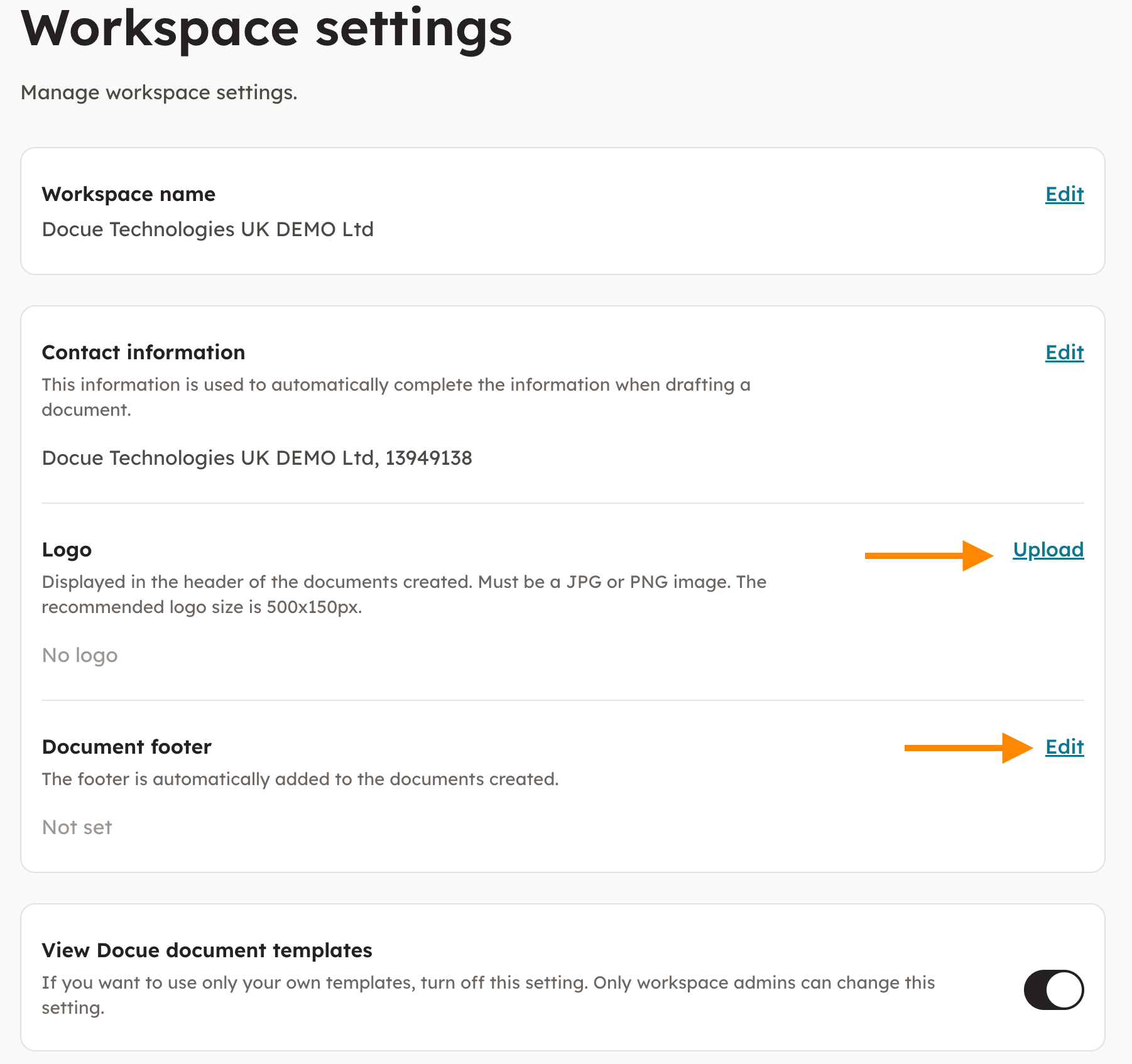
- Choose "Workspace settings". Upload your logo and type in your document footer.
- From now on you can automatically add the company logo and document footer to your documents.
Key words: Personify, cover, logo, logotype, sub label, label
Last reviewed: